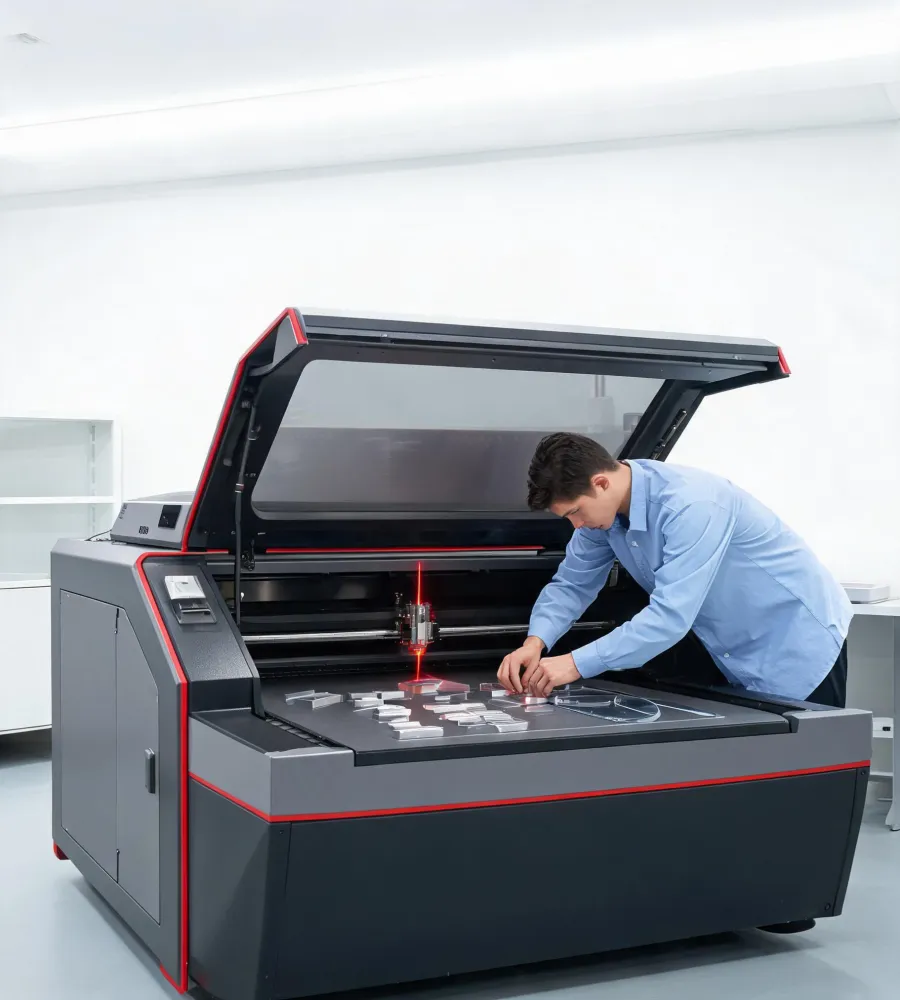
Operator setting up an Epilog Laser engraving machine Laser Engraving Machines
Professional laser engraving systems

Epilog Laser turns production artwork into repeatable engraved parts.

Built for shops that need clean motion control, stable CO2 and fiber laser options, and a direct path from design file to finished mark.

CO2 + Fiber source options for organic and metal marking
24/36/48 in bed classes for compact to production cells
Vector ready print-driver workflow from design software
Parts desk lens, tube, motion, and filtration support
Configured around the job

Laser platforms for engraving, cutting, and traceable marks

Each platform path keeps controls simple: define the material, validate the focus and airflow setup, then run repeatable jobs without rebuilding the process every shift.

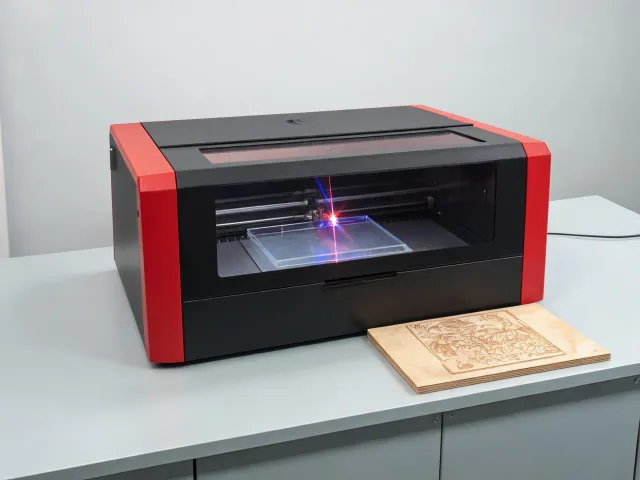
CO2 laser engraving system for signs and awards
CO2 Engraving

High-detail engraving for wood, acrylic, glass, and coated metals

Use one setup for personalization, batch awards, interior signage, templates, and prototyping jobs that change through the day.

View catalog
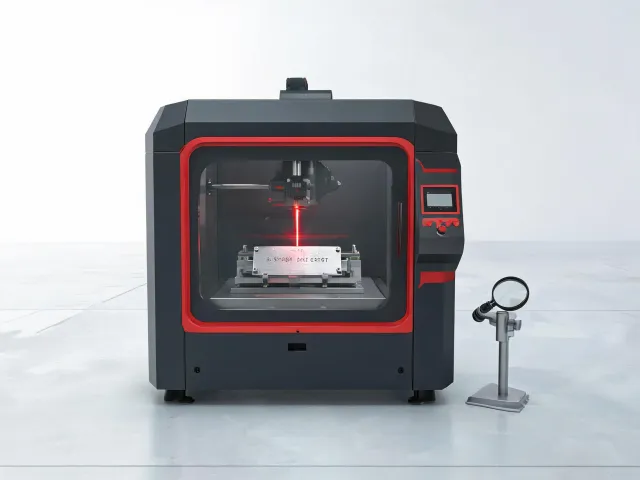
Fiber laser marking station for industrial tags
Fiber Marking

Permanent metal marks for asset tags, plates, tools, and serialized parts

Keep identification readable through handling, solvents, and regular inspection cycles with application-specific lens and fixture choices.

View catalog
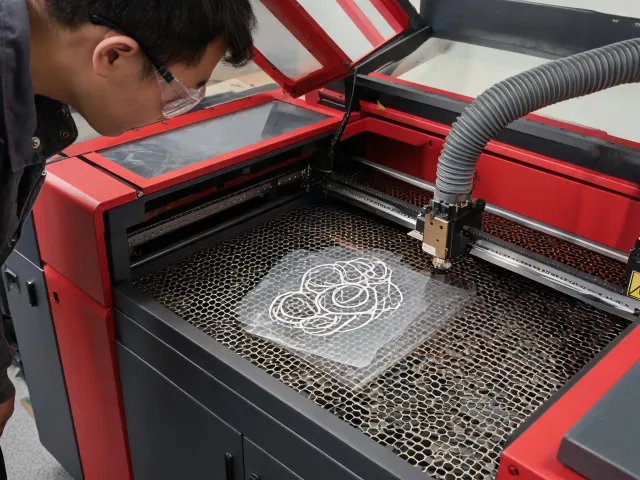
Laser cutting workflow for thin sheet and display materials
Cutting Workflow

Clean vector cutting for display, packaging mockups, and jig components

Balance kerf, assist air, table choice, and exhaust planning so small-batch work moves from artwork to packaged parts quickly.

Plan setup
Specification checkpoints

Compare the variables that change output quality

Machine selection starts with material behavior, expected throughput, available exhaust path, and the amount of fixturing required for repeatable batches.

SourceBest fitPlanning note
CO2Wood, acrylic, leather, glass, coated metalsMatch wattage to depth, edge finish, and job queue size.
FiberBare metals, coated industrial parts, UID platesConfirm mark contrast, lens field, and fixture repeatability.

RequirementWhy it mattersWhat to review
Part sizeDetermines bed class and pass count.Largest blank, fixture clearance, rotary attachment need.
ExhaustProtects optics and indoor air quality.Duct route, fume extractor capacity, material odor profile.

CheckpointTypical questionOutput target
Artwork pathWhich design tools feed production?Clean print-driver transfer with saved material settings.
Operator routineHow often do materials change?Simple focus, lens, table, and exhaust checklist.
Practical answers

Questions production teams ask before choosing a laser

Can one machine engrave and cut?

CO2 systems can engrave and vector cut many organic and display materials. The right choice depends on thickness, edge quality, queue length, and whether metal marking is also required.

When is fiber marking required?

Fiber is the normal path for bare metals, industrial identification, coated tools, and small parts where permanent contrast must survive handling and inspection.

What affects engraving detail?

Lens selection, focus consistency, artwork resolution, raster speed, and material coating all shape line quality. A sample run is the fastest way to confirm a durable setting.

How should exhaust be planned?

Review duct distance, filtration needs, material odor, and local ventilation rules before installation. Clean airflow protects optics and keeps operators comfortable.

Can operators switch materials quickly?

Saved material settings, fixture references, focus routines, and a clear job checklist reduce changeover time when a shop moves between acrylic, wood, plates, and tags.

What should be tested before purchase?

Send real parts, artwork, and output requirements. The useful test checks contrast, edge finish, cycle time, repeatability, and the amount of cleanup after the job.

Match an Epilog Laser workflow to your material list.

Share the part size, material, mark depth, throughput target, and current process. We will help narrow the system class before you commit to samples or a quote.